Building Smarter Mobile Apps: AI Features and the Future of Mobile Development
How on-device inference, AI coding tools, and intelligent testing are reshaping what mobile engineers build and how they build it.
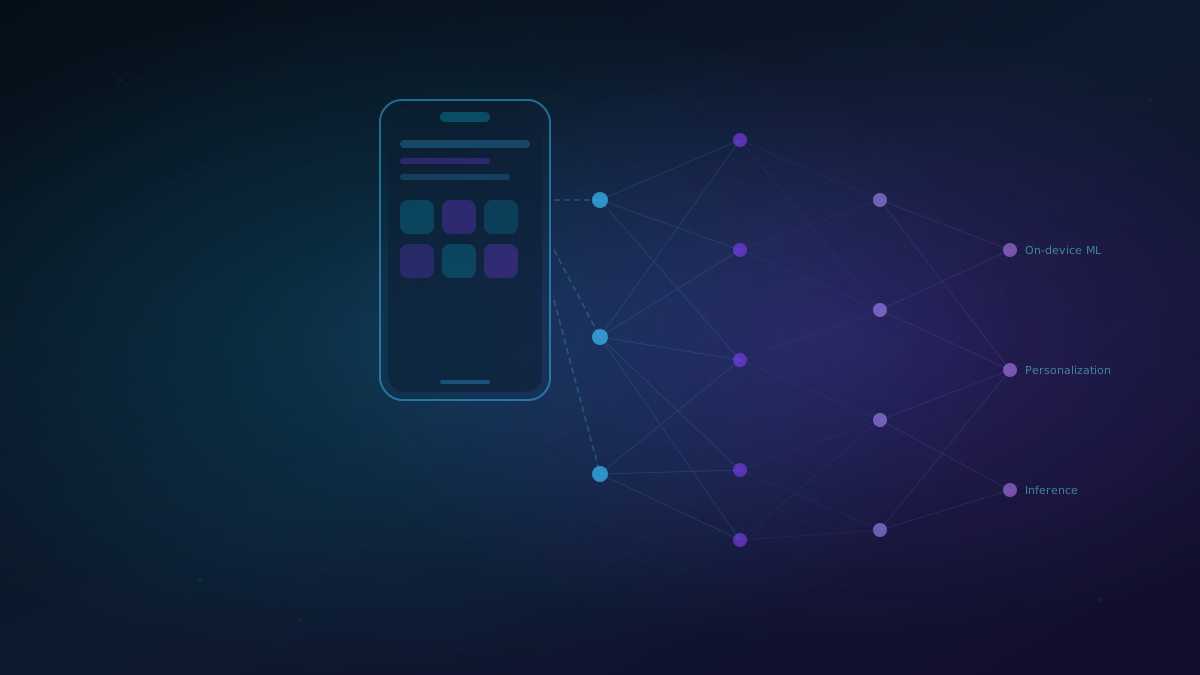
Building Smarter Mobile Apps: AI Features and the Future of Mobile Development
How on-device inference, AI coding tools, and intelligent testing are reshaping what mobile engineers build and how they build it.
Introduction
Mobile development looked completely different five years ago. Features that required server round-trips, manual data entry, or explicit user commands are now handled locally, in real time, without the user doing anything. The shift is not cosmetic: the underlying engineering has changed at every layer of the stack, from how we write code to how we test it to what we ship.
I have been building and testing mobile applications across iOS and Android for over a decade. The pace of change in the last two years is sharper than anything in the decade before it. This post is my view of where mobile development is heading and what engineers need to think about to stay ahead.
On-Device AI: The Architecture Shift That Changes Everything
The biggest structural change in mobile is the move from server-side inference to on-device inference. This matters for three reasons: latency, privacy, and cost.
When a model runs on the device, the response is immediate. There is no network hop. For features like real-time transcription, language translation, image enhancement, or gesture recognition, this difference is visible to users. A 200ms server round-trip feels sluggish. A 20ms on-device inference feels instant.
Privacy is increasingly a competitive differentiator. Users are more aware of what data leaves their device. On-device processing means the raw input (voice, image, biometric data) never leaves the hardware. For health apps, financial apps, and anything handling sensitive data, this is not a nice-to-have.
The tooling has matured significantly:
- Apple Core ML: Optimized for Apple Silicon (Neural Engine on A-series and M-series chips). Supports model conversion from PyTorch, TensorFlow, and ONNX. Models run in isolation from app logic.
- Google ML Kit and TensorFlow Lite: Cross-platform on-device inference for Android and iOS. MediaPipe adds pre-built pipelines for face mesh, pose estimation, and hand tracking.
- ONNX Runtime Mobile: Run any ONNX-compatible model on device with hardware acceleration support across platforms.
- LLM on device: Smaller quantized models (Gemini Nano, Phi-3-mini, LLaMA 3.2 3B) now run at acceptable speeds on flagship hardware. Apple Intelligence integrates directly with the OS on iPhone 15 Pro and newer.
AI Features That Are Now Standard Expectations
Five years ago, smart autocorrect was impressive. Today, users expect:
Predictive and contextual UI: The app understands what the user is likely to do next and surfaces it before they ask. Shopping apps reorder product categories by time of day and recent behavior. Banking apps flag unusual transactions as they happen.
Real-time media processing: On-device camera enhancement (night mode, portrait segmentation, super-resolution) is table stakes on flagship devices. Video calling apps apply background replacement and noise suppression locally.
Conversational interfaces: Natural language input for search, navigation, and task completion. This used to mean server APIs. On device-capable small language models (SLMs) now make this possible offline.
Intelligent accessibility: Live captions, real-time translation, and screen reader improvements powered by on-device speech models. These are no longer niche features: they are accessibility baseline requirements.
Proactive notifications and summarization: Notification intelligence (Apple Intelligence, Android Adaptive Notifications) summarizes and prioritizes alerts before they reach the user.
The engineering question is no longer "should we add AI?" It is "which AI capability does this feature need and where does inference run?"
How AI Tools Are Changing How Mobile Engineers Write Code
Beyond what we ship, the tools we use to write mobile code have changed substantially.
Cursor and Copilot in the iOS/Android stack: I write significantly more code per session than I did two years ago. The gains are not uniform: repetitive boilerplate (view bindings, data class serialization, unit test scaffolding) accelerates dramatically. Complex architectural decisions still require the same engineering judgment as before.
Practical patterns that work well:
- Generating Kotlin data classes and mappers from JSON schema or API documentation
- Writing XCTest and JUnit boilerplate for new view models and use cases
- Translating Swift to Kotlin (or reverse) for cross-platform logic parity checks
- Explaining unfamiliar framework APIs in the context of the current codebase
What does not work well (yet):
- Large refactors that span multiple files with complex dependency graphs
- Architecture decisions that require understanding non-obvious constraints in the current codebase
- Debug sessions where the root cause is in platform behavior rather than code logic
The engineers making the most of these tools treat them as pair programmers who are fast but do not know the codebase as well as you do. They write the first draft; you review, correct, and own the result.
AI-Powered Testing for Mobile Apps
This is the area I spend the most time in professionally. AI is reshaping mobile testing at several levels.
Self-healing test automation: Traditional Appium and XCUITest scripts fail when UI element identifiers change. AI-based locator strategies (using visual embeddings or NLP matching on accessibility labels) maintain test stability across UI changes without manual selector updates. Tools like Airtest, Mabl, and Applitools have implemented this with varying degrees of reliability.
AI-assisted test generation: Given a user story or a screen recording of a flow, models can generate candidate test cases. This reduces the time between a feature being spec'd and the first automated test existing. The generated tests still require review, but the scaffolding saves real time.
Visual regression with AI diffing: Pixel-diff tools produce too many false positives (a single antialiasing change triggers a failure). AI visual comparison models understand which changes are meaningful (layout shifts, missing elements) versus cosmetic (rendering variation across devices). Applitools Eyes and Percy both offer this.
Defect triage: When a test fails, diagnosing the root cause (flake, environment issue, genuine regression) takes time. AI-assisted triage classifiers, trained on historical failure patterns, can categorize failures and route them to the right owner faster.
Key Challenges Engineers Need to Respect
Model size and app binary weight: A 50MB TensorFlow Lite model added to an app doubles the download size for many users. Core ML model compression (quantization, palettization) and lazy model downloading post-install are necessary strategies for production apps.
Battery and thermal constraints: Neural Engine inference is efficient, but sustained AI workloads (real-time camera processing, continuous audio analysis) heat devices and drain batteries. Test on device under sustained load, not just single-inference benchmarks.
Accuracy across devices: A model that performs well on a Pixel 8 Pro may degrade on a mid-range Android device with less capable hardware. Device segmentation for AI feature availability is a real product decision, not just an engineering one.
Privacy and data governance: On-device inference does not automatically make a feature privacy-safe. Training data provenance, model bias, and what the app does with model outputs all remain considerations. Privacy reviews need to include AI feature design, not just data handling.
Testing probabilistic output: AI features do not have a single correct answer for a given input. Behavioral testing (does the output meet a quality threshold across a representative sample?) replaces simple assertion-based testing. This requires building evaluation datasets and scoring pipelines, not just adding test cases.
What the Next Two Years Look Like
Multimodal native inputs: Vision, text, and voice as first-class input types across all surfaces. The keyboard will increasingly be one of many ways to interact with apps, not the default.
OS-level AI APIs: Apple Intelligence, Gemini on Android, and Windows Copilot APIs let apps plug into system-level model infrastructure without bundling models themselves. This reduces binary size and shifts model quality responsibility to the platform.
Agent-capable mobile apps: Apps that can take multi-step actions on behalf of users, coordinating across services and apps. This requires new permission models, new testing approaches, and careful product design around trust and control.
Model personalization on device: Fine-tuning small models locally on user behavior without data leaving the device. Apple's on-device adapter training is early evidence of this direction.
Takeaways
- On-device inference is now the expected architecture for latency-sensitive and privacy-sensitive mobile AI features.
- Core ML, ML Kit, TensorFlow Lite, and ONNX Runtime Mobile are the primary toolchains. Choose based on your platform targets and model source.
- AI coding tools (Cursor, Copilot) accelerate mobile development meaningfully for repetitive work. Engineering judgment on architecture and complex debugging is still required.
- Testing AI features requires behavioral evaluation, not just assertions. Build evaluation datasets and scoring pipelines.
- Respect the constraints: model size, battery, thermal limits, and accuracy variance across the device population.
The engineers who will build the best mobile products in the next three years are the ones who treat AI as a core part of the engineering stack, not a feature layer bolted on after the fact.